
Discover how artificial intelligence can help you with everyday classroom tasks: creating presentations, summarizing videos, generating timelines, or even producing an educational podcast. It’s not about doing more, but doing better (and with less effort).
The inclusion of AI in education invites us to rethink our role as teachers or creators of virtual courses and training. Far from making us obsolete, we can become designers of learning experiences, content curators, mentors and guides in developing complex skills like critical thinking and creativity.
We all read about the personalization possibilities that AI offers us and its appropriate responses for each person, but in practice, little of this happens automatically. What does happen is that these tools make it easier for us to personalize, and that, of course, is no small thing.
Below, we detail some tools available today. It’s important to point out the rapid growth of these applications, as well as their possible disappearance. In other words, the tools we show in this article may improve their features, evolve, disappear, or be replaced by others. As long as we know what objectives we want to achieve, it will then just be a matter of finding which tool best suits our needs.
Let’s generate four types of products we use in our classes:
- A PowerPoint-style presentation from a PDF, with Gamma
- A video summary, with Gemini
- An interactive timeline, with Canva
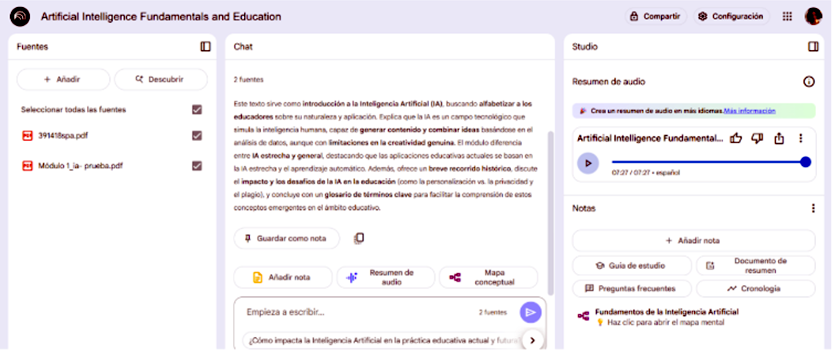
- A podcast from two texts, with NotebookLM
Automatic presentation with Gamma
Imagine we want to share a summary of the material in class. One option is to generate a Slider-style presentation with Gamma.
Steps:
- Go to Gamma.app
- Upload the PDF file
- Choose the presentation type
- Generate and edit the content
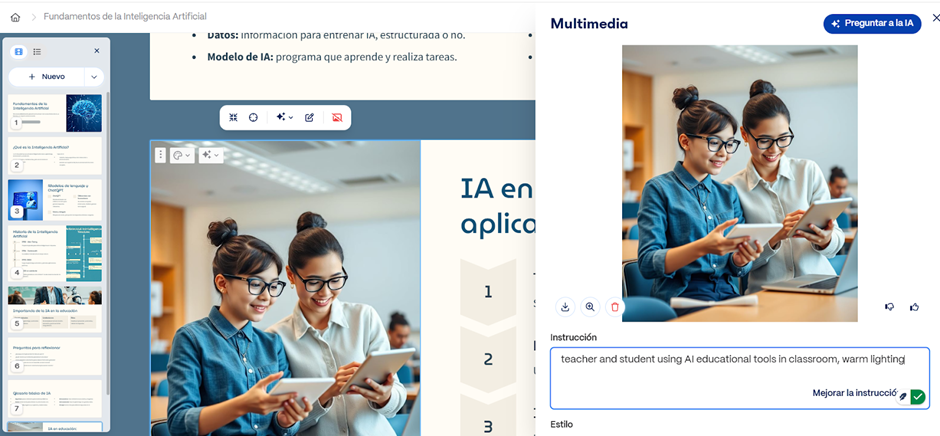
👉 It’s essential to verify everything generated. Gamma allows you to edit texts, images, colors, and graphics.
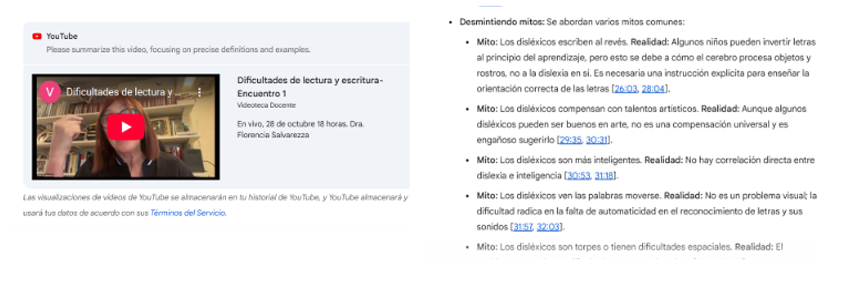
Automatic video summary with Gemini
In another class, we want to include a video. Whenever we include videos in our virtual classes, it’s recommended to add a summary of the content. This helps those watching it anticipate what they’ll find and also quickly locate key segments.
For this task we use Gemini (from Google). We just have to copy the video link and ask Gemini to summarize it. You can refine the summary by asking it to include or exclude certain points.
👉 Tip: You can use prompts like “Summarize this video in 5 main ideas for high school students”.
Timeline with Canva
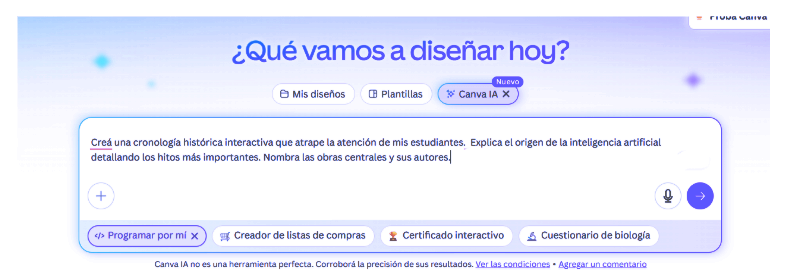
Steps to generate a visual timeline:
- Go to Canva.com
- Select “Create with AI”
- Write the instructions (topic, key dates, education level, etc.)
- Review and edit the result
Podcast with NotebookLM
We want to present content in a more engaging way. In this case, we’re going to generate a podcast that simulates a dialogue between two people. This is based on two texts and generates audio in WAV format.
Steps:
- Go to NotebookLM
- Upload the source documents (for example, two PDFs)
- Configure the language (Spain Spanish or Latin American Spanish)
- Customize the audience and audio style
- Press “Generate”
⚠️ The result is not editable, so it’s crucial to review the guidelines carefully before generating.
These examples show how some everyday tasks can be simplified with AI. But it’s not about automating without thinking: each tool must be put in service of a clear pedagogical intention.
Final tips for effective and ethical use:
- Define clear objectives: What do you want to achieve? Why that tool and not another?
- Start with the simple: Generate ideas, create drafts, summarize texts.
- Explore without fear: Many apps have free or trial versions.
- Review everything: AI can generate errors, remove important parts of content, add unnecessary topics, etc. Validation is always human.
- Share experiences: What worked for you can work for someone else.
- Protect privacy: Avoid uploading sensitive or personal data.
- Evaluate the impact: Does the tool help your students learn better?
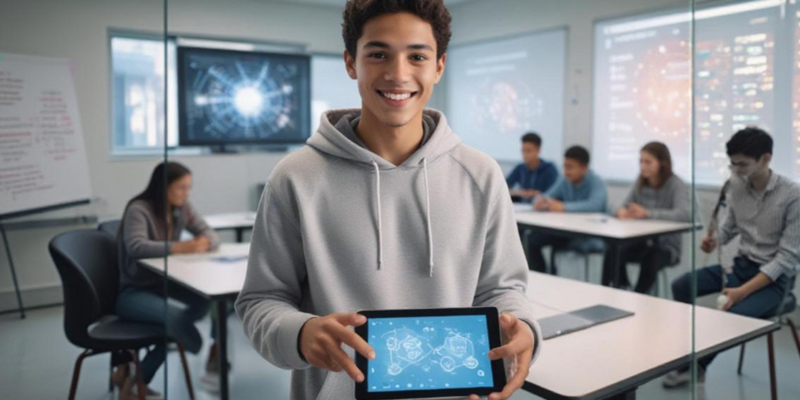
As a fun fact: The initial image for this article was created with Freepik and didn’t require much effort or highly developed knowledge.