
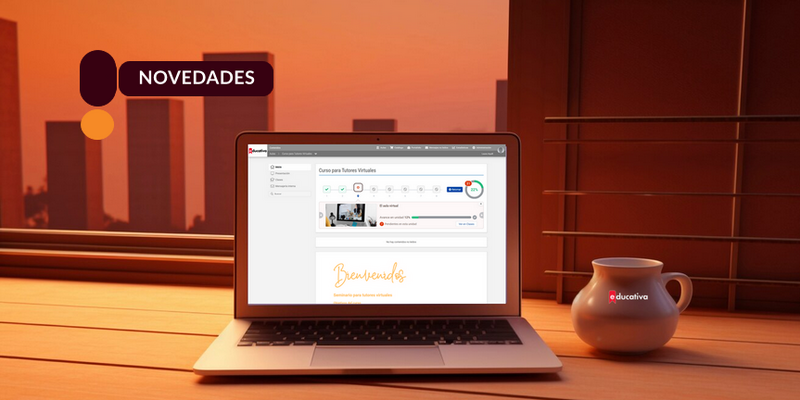
Quick access to key course information
To improve navigation in Campus Virtual, you can now view a summary with the contents and main features of each unit when entering a classroom. A clearer and more organized way to follow the course.
One of the most relevant sections of the virtual campus is Programa, a central space from which we can organize and access all content related to coursework. Here you will find classes, study materials, assessments, discussions and other essential learning resources.
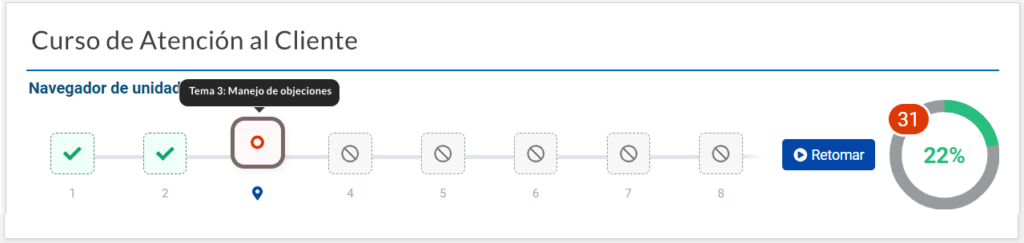
To facilitate navigation and improve the experience, we have implemented a summary on the classroom homepage that synthesizes the contents of each class, session and their main features. This summary acts as a visual map of the training proposal, allowing participants to have a clear and organized view of what will be covered in each unit.
Among the improvements included, the following stand out:

Expandable summary: The summary of each unit on the homepage is interactive. By clicking on the box corresponding to the unit, detailed information is displayed, which facilitates quick and organized consultation.

Simplified view: In those classrooms that publish a single unit or class, the information will be displayed directly expanded, allowing access to all details immediately and without the need for additional interaction.

Image inclusion: The ability to add a representative image that accompanies the information for each unit has been incorporated. This not only visually enriches the content but also helps generate greater interest and clarity in the presentation of topics.
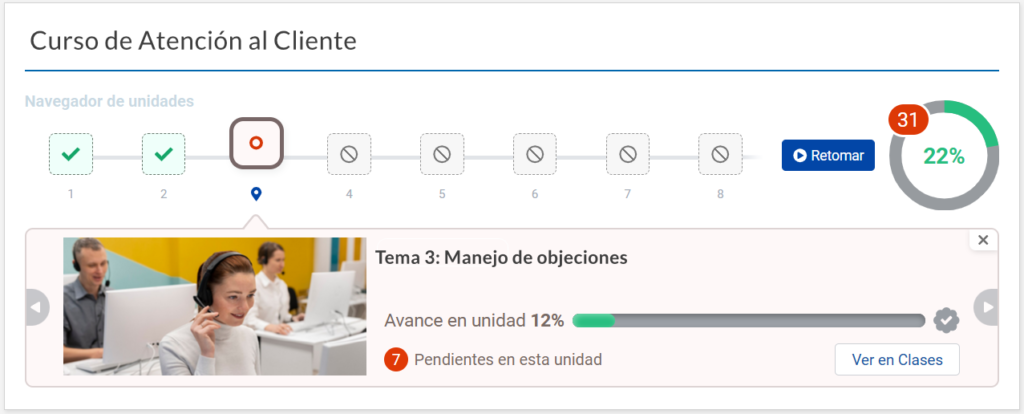
These improvements are designed to optimize the usability of the virtual campus, providing a more intuitive and attractive experience for all participants. We hope these updates facilitate access to resources and contribute to a more fluid and enriching learning process.
If you want to know more, we share the user manual: