


You don’t always need external tools to design attractive, clear, and simple classes. The class editor includes a wide variety of templates that greatly facilitate virtual content design.
By default, templates adopt the color scheme defined for the virtual classroom, although this configuration can be modified during the selection process according to the specific needs of each lesson.
Structure as Pedagogy
In effective educational design, structure functions as a fundamental pedagogical tool where visual hierarchies act as guides for thought, naturally directing the student’s cognitive process. Strategic highlights channel attention toward the essential elements of the content, while fragmenting material into organized items transforms conceptual complexity into understandable and digestible units that facilitate information processing. In this way, the presentation of material becomes a determining factor that directly influences the capacity for understanding, retention, and application of acquired knowledge.
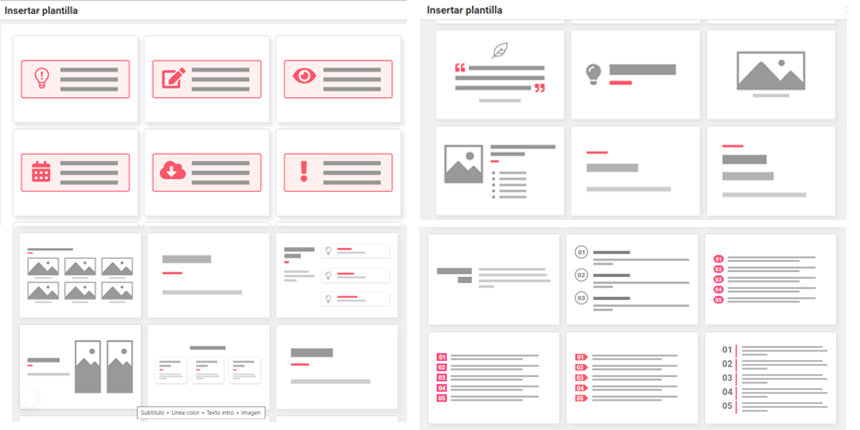
Some of the available templates
Advantages of Using Templates
- Visual Consistency: Maintain a uniform style throughout the course.
- Time Saving: Eliminate the need to design from scratch.
- Professionalism: Offer a polished and organized appearance.
- Flexibility: Allow customization according to specific needs.
The effectiveness of a template lies not solely in its appearance, but in how it facilitates the understanding and learning of the presented content.